
Automated Multi Factor Authentication
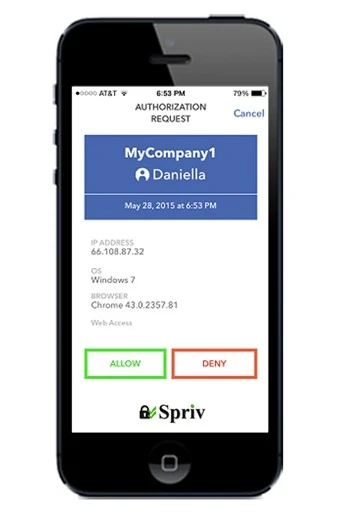
Spriv automates the second factor by comparing the phone's location with the location of the computer used to enter the username and password. For privacy, Spriv only confirms whether the locations match it never shares the phone's actual coordinates. A match approves the login automatically; a mismatch lets the user manually allow or deny it.
Automated Two Factor Authentication
Spriv compares the phone's location with the location of the computer used to enter the username and password. A match approves the login automatically; a mismatch lets the user manually allow or deny it. Only the match/mismatch is confirmed the phone's actual coordinates are never shared.
Pairing
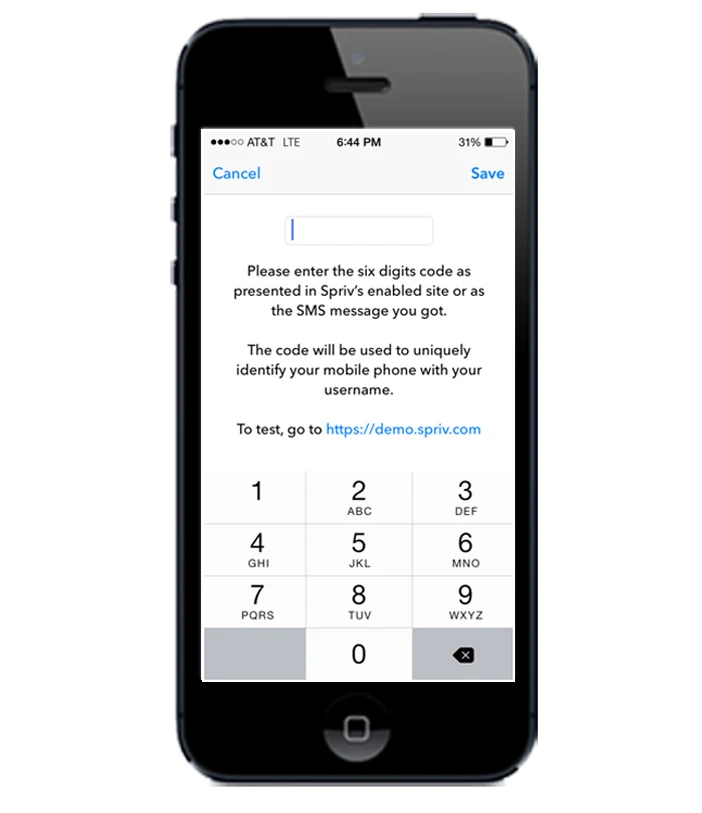
Links a mobile phone to a username with a six-digit manual pairing code valid for 20 minutes (an emailed pairing link lasts 72 hours), delivered over HTTP POST and confirmed with a notification once pairing completes.
Allow | Deny. Multi Factor Authentication
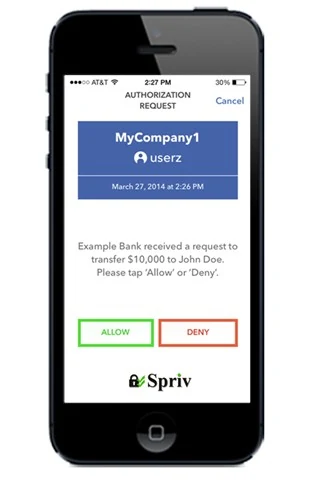
Optional transaction-specific approval for high-risk activity address changes, large transfers, and similar events.
Two-Factor Authentication Via SMS
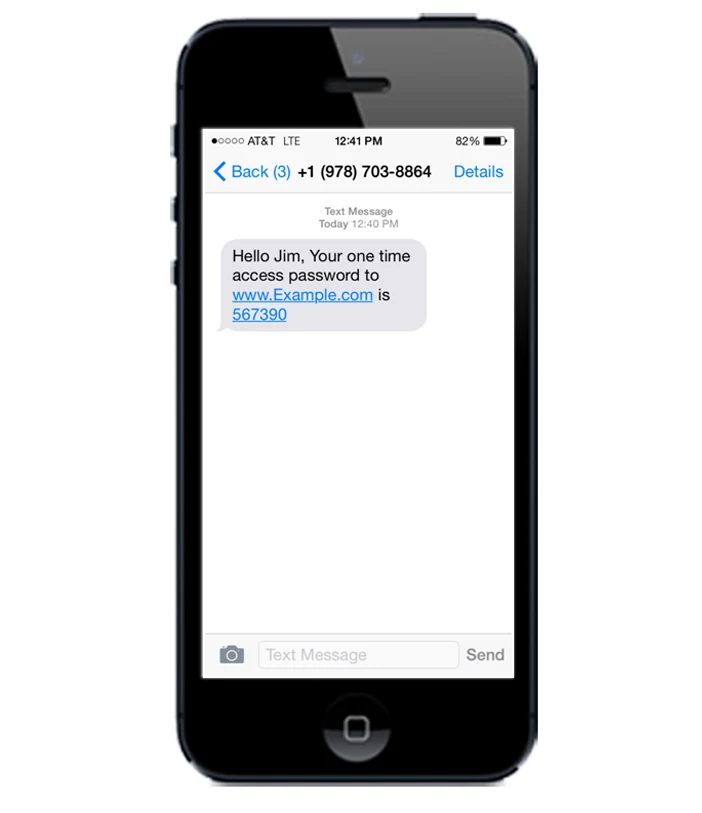
A one-time passcode is sent to the user's registered phone by SMS no app install required, and it delivers in 200+ countries.
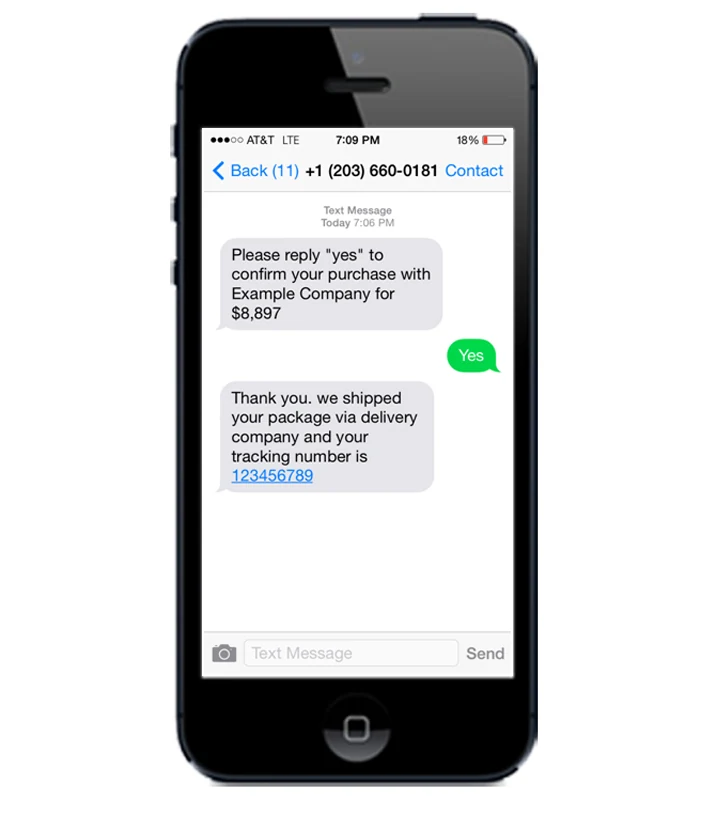
Two way SMS | Multi Factor Authentication
Spriv sends an SMS asking the user to reply, and the reply confirms or denies the transaction a genuine second communication channel.
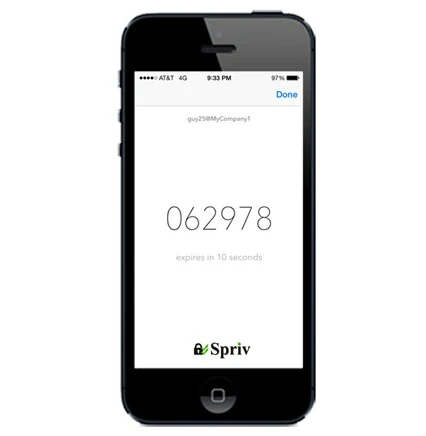
TOTP ‘Time-Based One-Time Password’
A six-digit number generated using the mobile phone's internal clock, with a 30-second TTL works even without an internet connection.
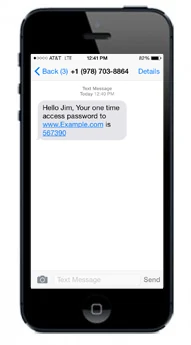
SMS Passcode
The user types the passcode once during account activation, then never sees it again unless you explicitly trigger it delivered by SMS across 200+ countries.
Continuous Multi Factor Authentication overview
User management, pairing, the four login-time authentication methods, and phone verification.
Adaptive MFA setup
Pair your phone and enable one-click adaptive logins.
Unix/Linux getting started
Onboarding steps for admins before installing PAM.
Account recovery
Backup admins and recovery codes in case a phone is lost.
Windows MFA overview
Supported OS/Server versions and the risk engine's scoring factors.
Company MFA settings
Callback URLs, status modes, and lockout rules.
Users management terms
Core terminology: pairing, user vs. admin accounts, aliases.
Adding users
Manual entry, bulk import, and sending pairing invites.
Account profile
Status options Active, Deny, Bypass, Locked and profile fields.
How pairing works
The admin's view of linking a phone to a username.
Pair a mobile phone
End-user instructions Email, Manual, or SMS pairing.
Unix/Linux PAM install
Full command-line setup for SSH, SU and SUDO.