
0 ms
Typical time to clear the second factor
Multi factor authentication (MFA) verifies identity with two or more independent factors. Spriv's patented adaptive MFA checks the password, the user's phone and the workstation-and-environment pair, all in the background, so security goes up while the login stays exactly the same.
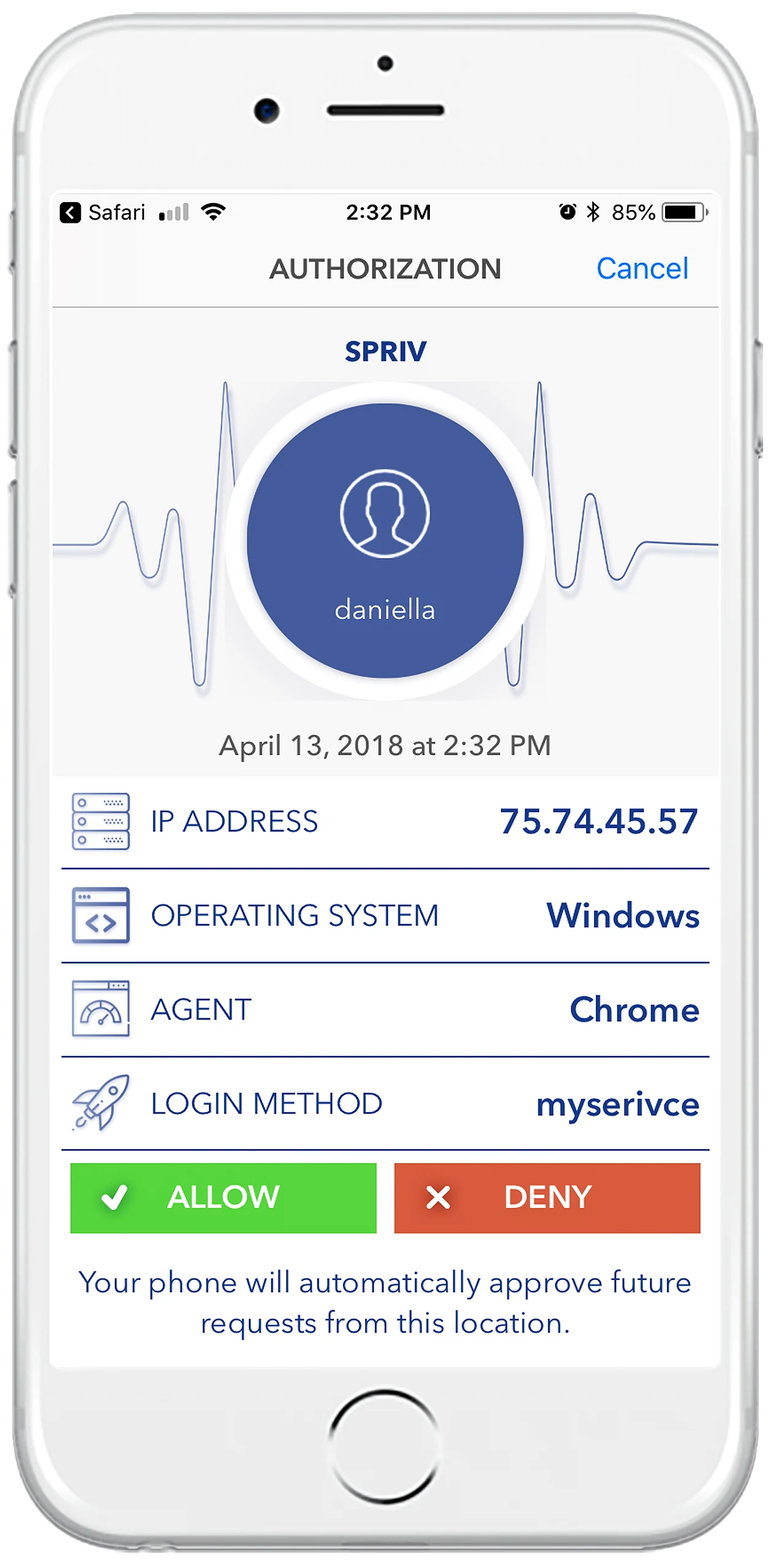
Multi factor authentication grants access only after the user proves their identity in more than one independent way: something they know, something they have, something they are, or somewhere they are. Because each factor is checked separately, compromising one is not enough to get in.
The most common form of MFA: exactly two factors, usually a password plus a code, a push prompt or a token.
Two or more factors. Spriv adds the workstation-and-environment pair to the password and the phone, so you get three factors for the same cost and user effort as two.
Most users agree MFA is a good thing. They just won't tolerate being interrupted every time they log in. These are the gaps Spriv was built to close.
Prompt a user on every login and they learn to approve without reading. Spriv clears routine logins silently and keeps Allow / Deny for rare, high-risk events, so a prompt still means something.
Malicious code can take over a session once the user is signed in, and a one-time login check never sees it. Spriv verifies high-risk transactions on a separate, out-of-band channel and reports when the user leaves the authorized computer.
Anything the user types can be captured, including SMS and TOTP codes. Spriv's adaptive factor has nothing to type and is checked between the workstation and the phone, so there is no code to phish.
Hardware tokens get lost, forgotten or left plugged in when the user walks away. Spriv uses the phone users already carry, so there is nothing to issue, and the second factor clears before they could reach for a token.
The user approves a login once. After that, the same workstation-and-phone pair clears in the background, often in about 175 ms.
A new computer, a new location or a phone that is not where the login claims to be raises the risk, and the user is challenged.
Authenticate once, then keep validating in the background, including knowing when the user has left the desk.
The verification travels on a channel that is physically separate from the login, two communication methods instead of one.
FFIEC, PCI DSS, HIPAA and SOX all treat strong authentication as the floor. Spriv verifies out-of-band across two separate communication channels and transfers no personally identifiable information.
Local accounts and Remote Desktop sessions, through a patented Credential Provider.
SSH, su and sudo, validated continuously in the background.
A REST API with code samples in five languages.
It depends on the threat. SMS, TOTP, push, hardware keys and code scan each leave gaps against phishing, stolen phones, server breaches or session hijacks. Spriv's adaptive MFA is the only method in the comparison that covers all eleven checks.
Not with Spriv. On a trusted workstation-and-phone pair the second factor clears in about 0.18 seconds with no user interaction, compared with around 8 seconds for a push approval, 14 for a TOTP code and 22 for a hardware token.
Five on one platform: adaptive MFA (the default), Allow / Deny push, one-way SMS code, two-way SMS verification and TOTP. You decide which one each user experiences at each step.
Under five minutes to install. Users pair their phone once, and from then on their logins are authenticated in the background.
The Startup plan is free for 2 users and 2 servers, with no credit card. The Business plan is $5.5/month/user with unlimited users, servers at $10/server/month, Active Directory sync and live support. Spriv is also available on AWS Marketplace. See pricing.
Two free users and two free servers, no credit card. Install in under five minutes and see adaptive MFA authenticate a real login in the background.