
0 ms
Typical time to clear the second factor
Spriv pairs the workstation with the phone environment, then verifies both in the background. If they match, the login clears silently. If they don't, the user gets challenged.
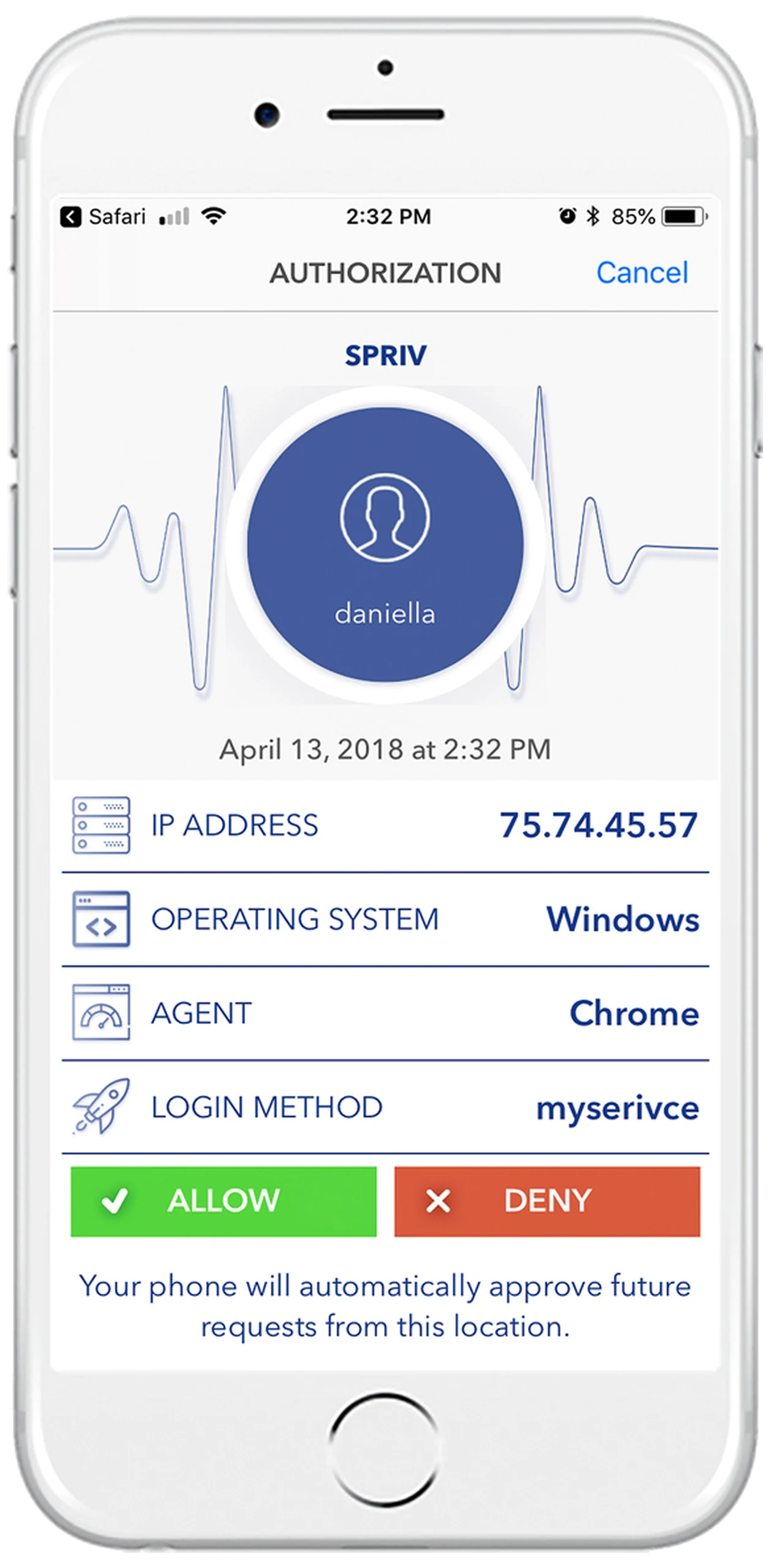
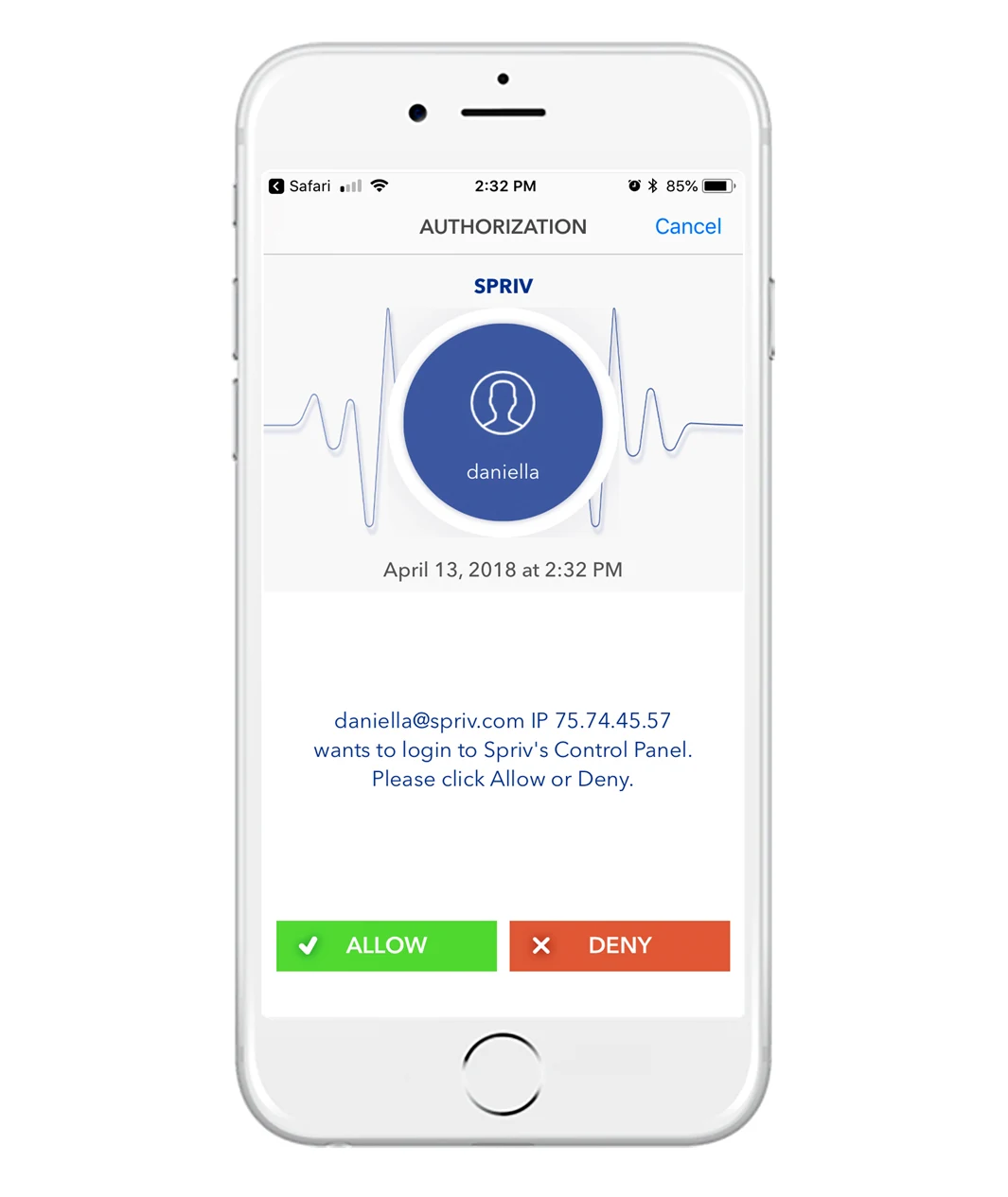
Spriv's patented Adaptive Two Factor Authentication compares the phone's location fingerprint with the workstation's device fingerprint. When Spriv's risk-based engine finds a match, the transaction is approved automatically no code, no tap. When the fingerprints don't line up, the user is prompted to manually allow or deny the request.
Every user, on every workstation. This is the entry point to Adaptive MFA every other method builds on it.
An optional secondary factor for transactions that deserve an explicit human confirmation. Send the transaction info to Spriv over the API, receive back the user's allow-or-deny decision.
Exception events not every login. Reserve Allow/Deny for the transactions that a user should consciously confirm.
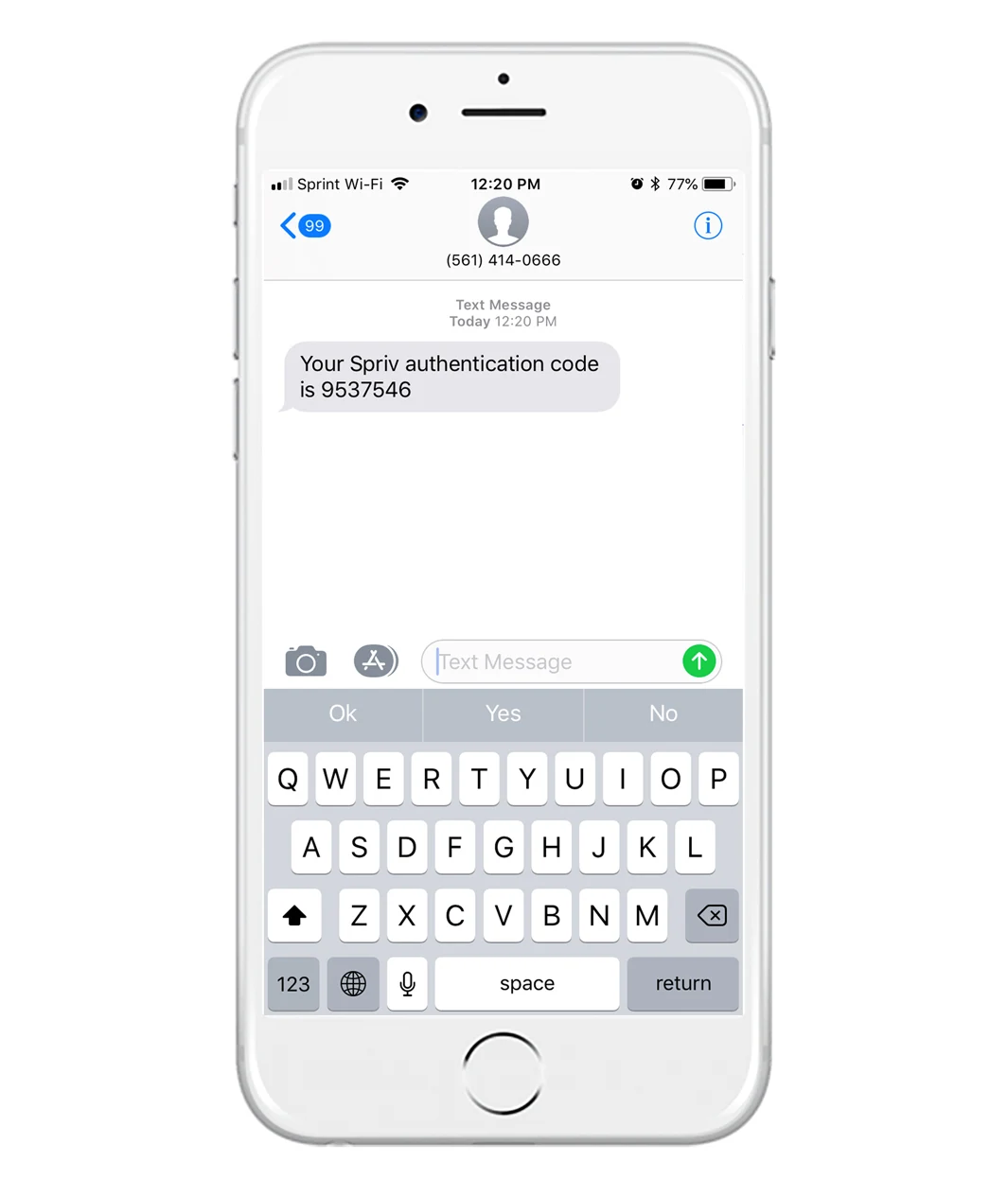
A seven-digit code sent to the registered handset. The user types the code once during account activation, then never sees it again unless you explicitly trigger it.
First-time activation, and as a fallback method for users who can't install an app.
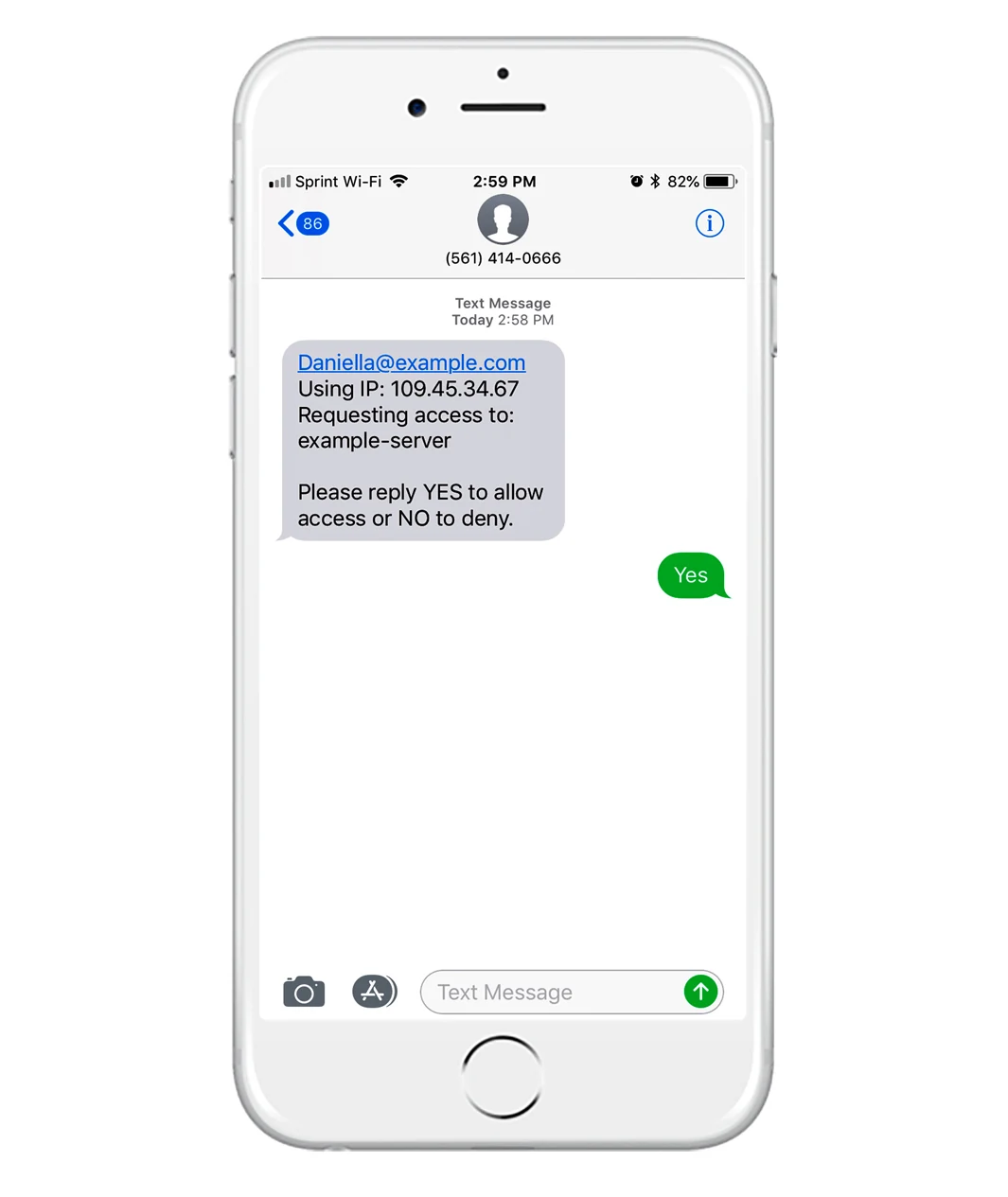
Spriv sends an SMS asking for a reply. When the user replies, we push their answer to your endpoint via HTTP POST. It's a genuine second communication channel separate from the login channel.
Interactive out-of-band confirmations where the user's actual reply text carries meaning not just a tap.
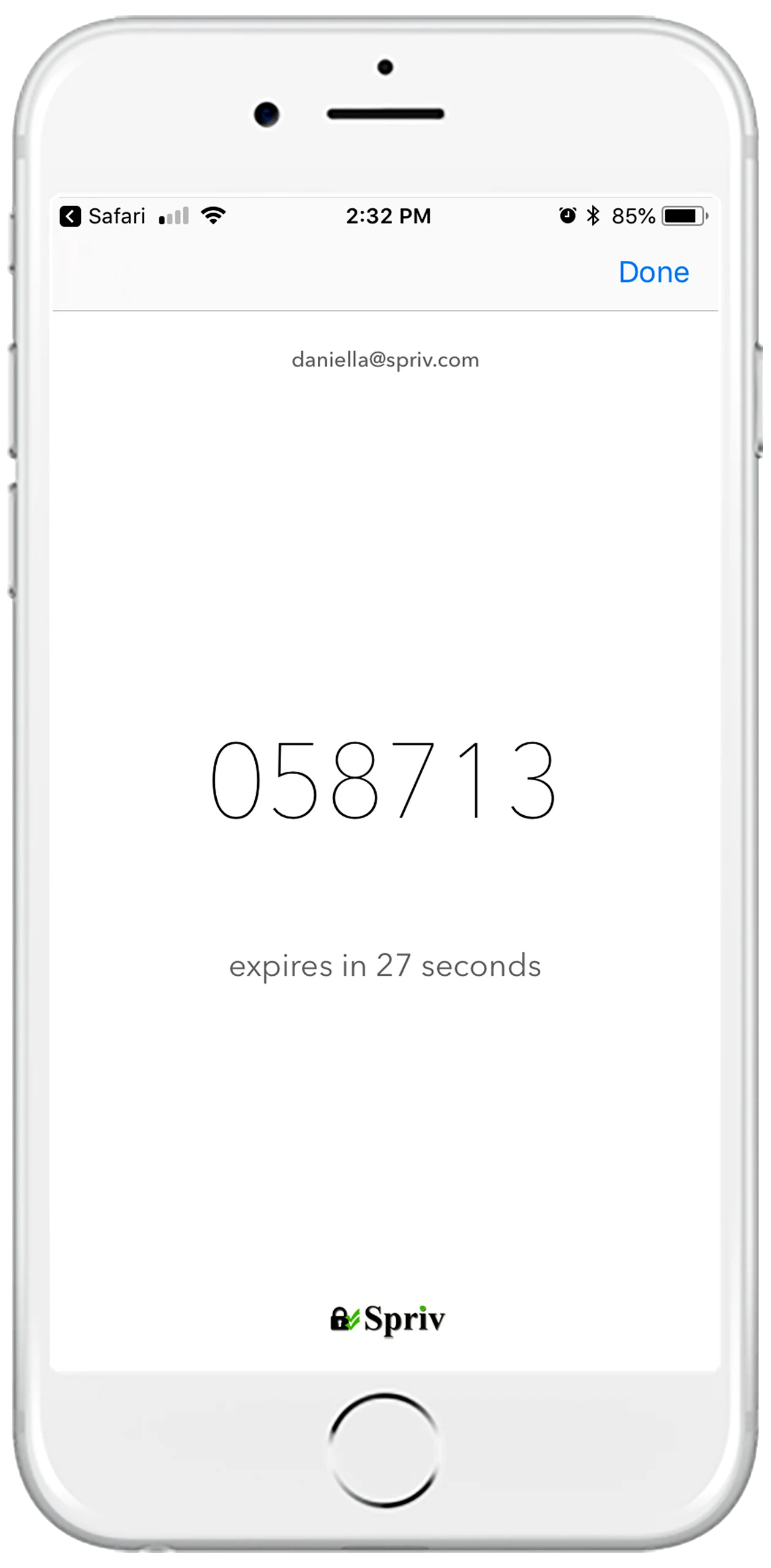
Standard RFC 6238 time-based one-time passwords. Six digits generated on the phone using its internal clock, refreshed every 30 seconds. Works even when the phone has no internet or cellular signal.
Fallback in low-connectivity scenarios, or as a familiar auxiliary factor alongside Adaptive MFA.
Pairing is the only setup step your user ever performs. Once it's done, every future login clears silently in the background no more approvals, no more codes.
Every user, on every workstation. This is the entry point to Adaptive MFA no other method skips it.
Install in under five minutes. See adaptive MFA authenticate a real login in the background.