
0
Changes to the native RDP login screen
Spriv adds Adaptive MFA to Windows Remote Desktop without changing the RDP login screen. The workstation-phone pair is verified in the background, so a legitimate session clears silently.
A lightweight Windows agent hooks into the credential provider chain used by Remote Desktop, so every RDP session into a protected machine goes through the same Adaptive MFA check no per-application configuration.
Push the agent through your existing Windows deployment tooling (Group Policy, SCCM, Intune), register each host in the Spriv admin console, and RDP into it is protected no changes to firewall rules or the RDP port itself.
Once a user is paired, Spriv checks the workstation-phone pair silently as the RDP session negotiates. A match clears the login without a prompt; a mismatch falls through to a challenge the user experience only changes when something looks wrong.
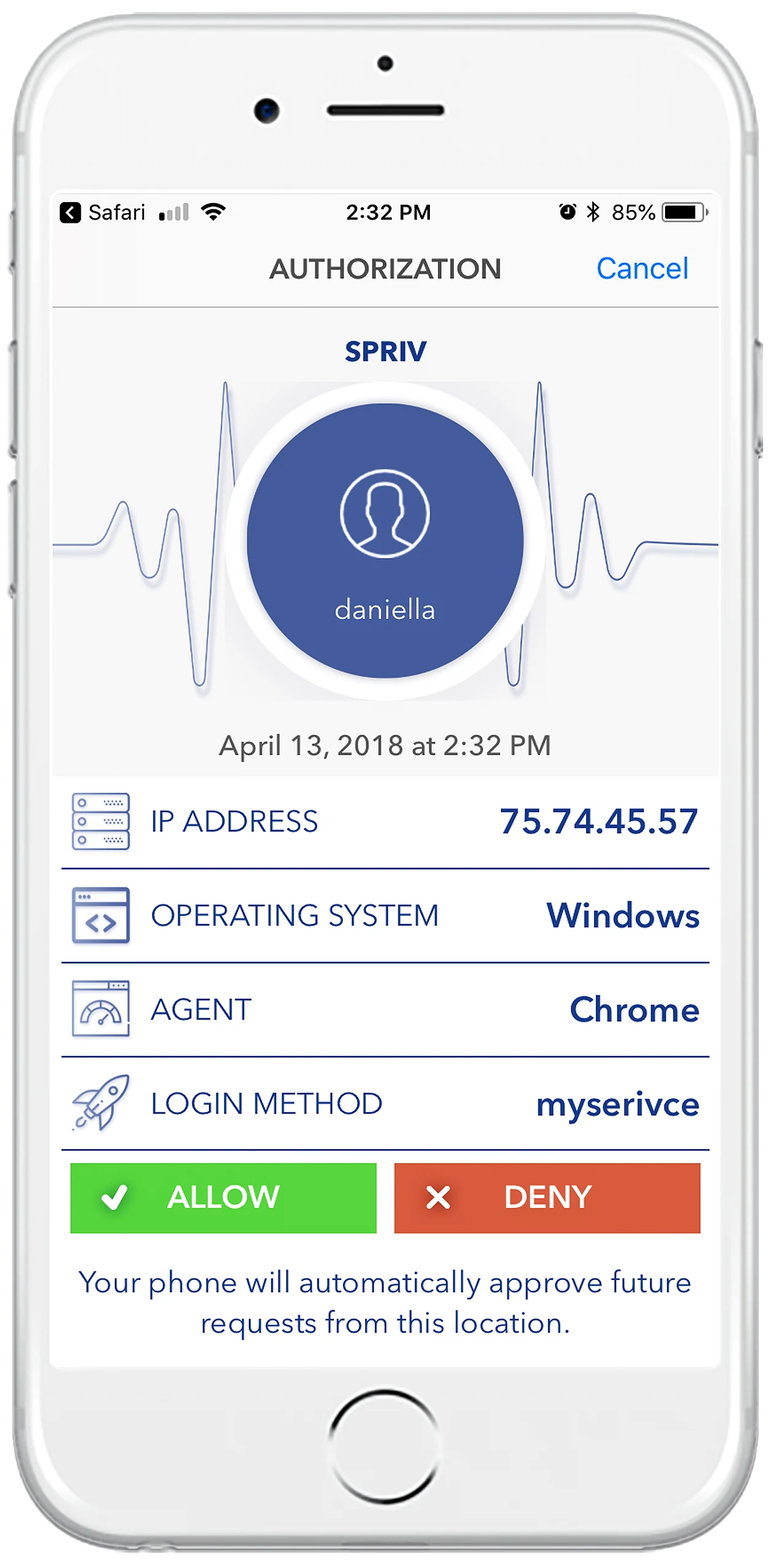
If the phone is unreachable or unpaired, Spriv falls back to SMS code, TOTP, or Allow/Deny so a network blip on the phone side never blocks an admin from reaching a server they're authorized on.
Two free users and two free servers on every plan. No credit card, install in under five minutes.