
0
Digits in every TOTP code
TOTP authentication turns a phone into a code generator: every 30 seconds a TOTP authenticator app shows a new six-digit number that only the phone and the server can calculate. It needs no signal and no carrier, which makes it the classic offline 2FA method. Spriv includes TOTP in its app as a fallback alongside adaptive, background authentication.
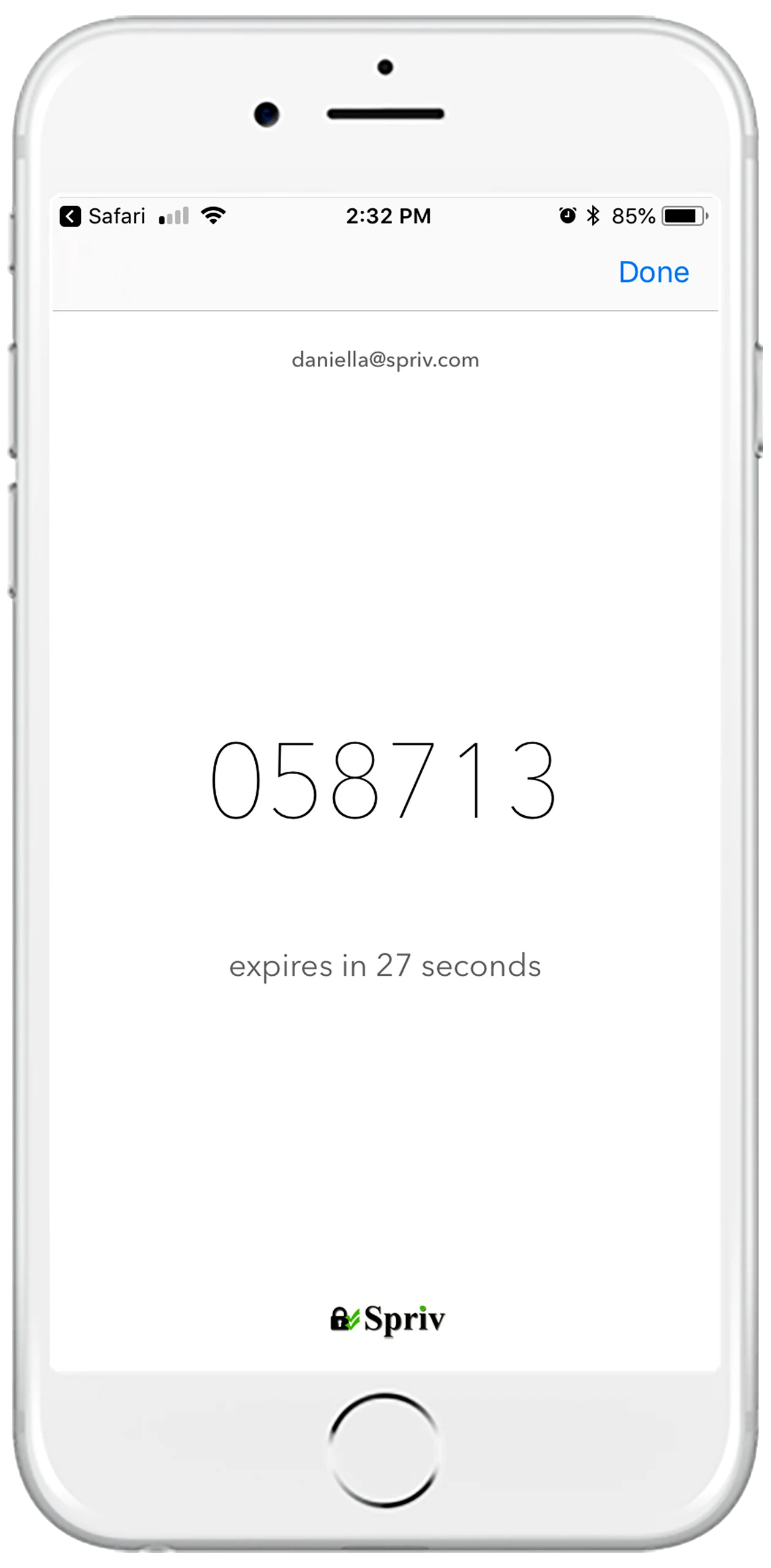
TOTP is an open standard, published as RFC 6238. The phone and the server share one secret, both read the current time, and both run the same calculation. If the six digits the user types match the server's result, the user proved they hold the device that stores the secret.
During setup the server generates a random secret, often called the seed, and hands it to the authenticator app, usually through a QR code. From then on the secret lives in two places: the app and the server.
Both sides divide the current time into 30-second steps and count how many steps have passed since a fixed starting point. Everyone in the same step gets the same counter value, with no network call.
The secret and the counter go through an HMAC, a keyed hash function. A slice of the result is reduced to six digits. The server repeats the calculation and compares, usually accepting a neighbouring step to absorb small clock drift.
All three deliver a one-time code, but they differ in what drives the code and where it travels.
A new code every 30 seconds, generated on the phone. A captured code expires quickly, and the phone never has to receive anything.
HOTP is the counter-based scheme TOTP is built on. The code changes only when it is used, so an unused code stays valid longer, and the device and server can fall out of step if the button is pressed without logging in.
The code is created on the server and delivered by the phone network. That needs carrier signal and exposes the code to SIM swaps and interception on the way. SMS 2FA explained.
TOTP is a solid, widely understood second factor. It is also a code a person has to type, and anything a person types can be captured.
The phone only needs its clock and battery. No mobile data, no Wi-Fi and no carrier reception, so TOTP keeps working on a plane, in a basement server room or abroad without roaming.
Nothing is sent over the phone network, so there is no per-message cost, no delivery delay and no SIM swap that can redirect the code to an attacker.
A fake login page can ask for the code and pass it to the real site within the same 30-second window. The code is valid, so the attacker gets in. This bucket-brigade style relay is the main reason TOTP is not considered phishing-resistant.
The server has to keep a copy of every user's secret to check codes. If that store is breached, the attacker can generate valid codes for every enrolled account until the secrets are replaced.
Unlocking the phone, opening the app, finding the account and typing six digits takes around 14 seconds. Repeated on every login, that adds up, and users race the 30-second timer when the code is about to roll over.
Spriv's default is adaptive authentication, which clears the second factor in the background with no code at all. TOTP is there for the moments adaptive can't run: travel, no signal, or a restricted network.
To use it, open the Spriv app, find the paired account in your account list and tap TOTP next to it to see the current six-digit code. At the login prompt, select TOTP and type the code. It works on Windows and Remote Desktop logins, and over SSH. RDP authentication methods.
Six digits, 30-second time-to-live, RFC 6238.
Generated from the phone's internal clock, so it works while travelling.
TOTP is part of the free Startup plan as well as Business.
TOTP can be combined with any Spriv method. Add a code on top of an Allow/Deny approval or an adaptive check and an attacker has to beat the password, the push or location match, and the code generator at once.
For administrator accounts or production servers: the user approves on the phone and also types the current code.
The workstation-and-phone match runs silently, and the TOTP code adds a factor that still works if the phone loses data mid-session.
Keep everyday users on adaptive alone and reserve the extra code for the accounts that justify it, so friction lands only where the risk is.
Time-based one-time password. It is defined in RFC 6238 and is the algorithm behind most authenticator apps.
Usually because it rolled over while you were typing, or because the phone's clock is wrong. Wait for a fresh code and make sure the phone sets its time automatically.
It avoids SIM swaps and network interception because nothing is sent to the phone. Both can still be phished on a fake login page, which is why Spriv defaults to adaptive authentication with no code to steal.
Yes. The code is generated on the phone from its internal clock, with no internet or carrier reception needed. The computer you are logging in to still has to reach Spriv to check it, or use the offline login options for Windows.
It works, but it costs users time on every login and remains phishable. A better pattern is adaptive authentication for routine logins, with TOTP as the fallback and as an optional third factor.
Two free users and two free servers, no credit card. TOTP, adaptive and Allow/Deny are all included on the free plan.