
0
Codes to type on a trusted elevation
Root is the prize in every Linux intrusion, and sudo and su are the doors to it. Spriv's PAM module puts a second factor on privilege escalation and validates it continuously in the background, so administrators aren't asked for a code every time they elevate.
Most intrusions start with an ordinary account. Privilege escalation is the step that turns a contained incident into a full compromise.
An attacker who has a user's password, or a session they hijacked, can run sudo with that same password. A second factor on the phone means the password alone no longer grants root.
The root password used with su is often known to several people and rarely rotated. Tying elevation to each person's paired phone makes it personal again.
Strong authentication for administrative access is part of PCI DSS, FFIEC, HIPAA and SOX expectations. Spriv verifies out-of-band and transfers no personally identifiable information.
The common approach to sudo 2FA asks for a six-digit code on every elevation. Spriv authenticates once, then keeps validating in the background.
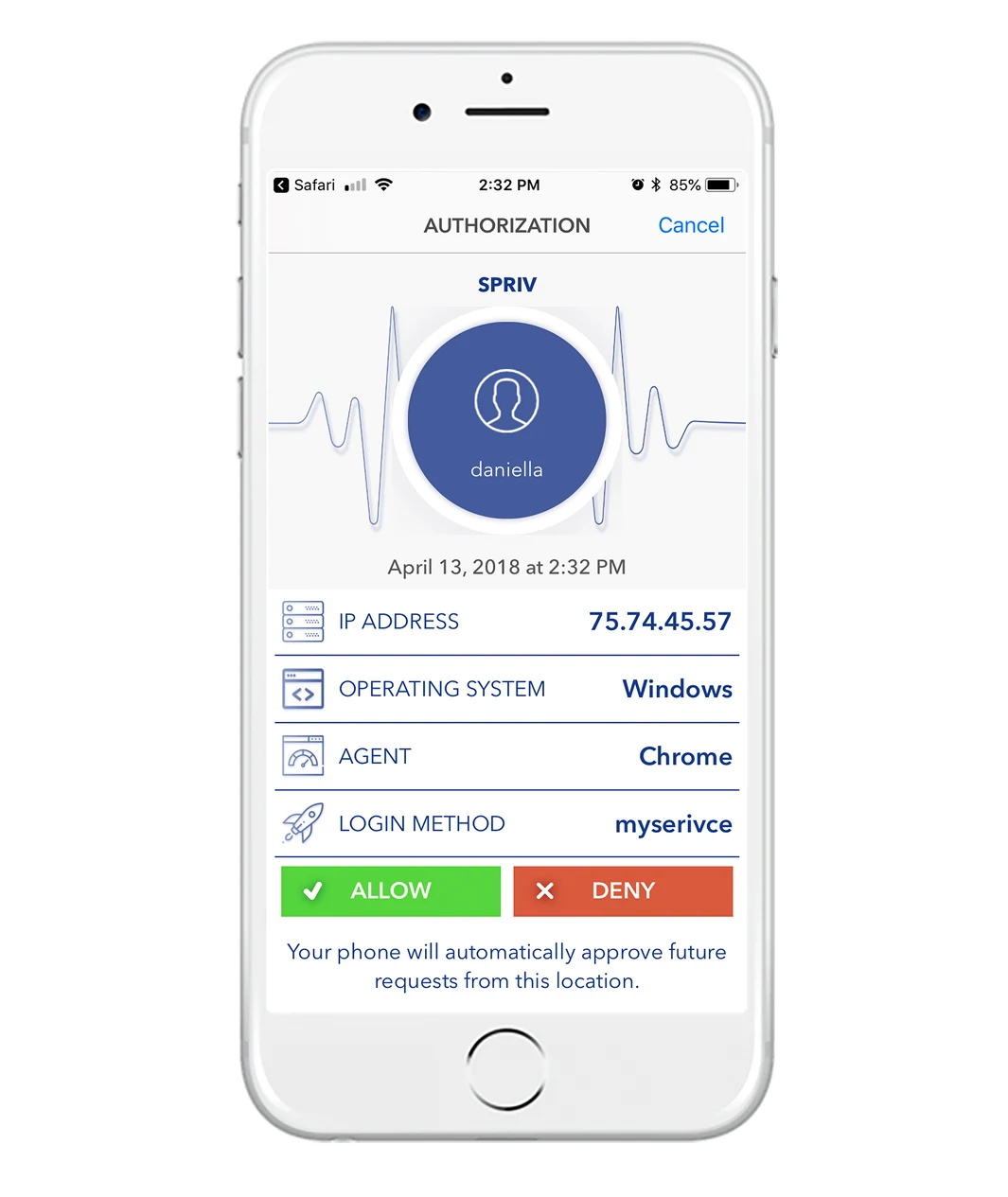
The first time a user signs in from a workstation, they approve it on their paired phone. Spriv records that workstation-and-phone pair.
Later sudo and su requests from the same pair are validated in the background through PAM. No code, no tap, no broken flow.
A different workstation or a phone that isn't where it should be triggers a challenge before elevation is granted.
Every elevation stops for the user to unlock their phone, open an authenticator and type six digits within the time window. Secure, but it is quickly turned off on busy servers.
Routine elevations clear in the background on the trusted pair. TOTP is still there as an offline fallback, and push approval is available for high-risk moments.
No. sudoers still decides who is allowed to elevate and what they may run. Spriv confirms that the person elevating really is that user.
With the same PAM module that protects SSH. Install it once, then add it to the PAM configuration for each service you want to protect. Stacking differs between distributions. PAM install guide.
Keep a root session open while you change the PAM configuration and test from a second session. Also keep two administrator accounts paired with different phones, plus your saved Recovery Code.
TOTP codes are generated on the phone and need no internet or carrier signal, so they work as the fallback.
Two free users and two free servers, no credit card. One PAM module protects SSH, su and sudo.