
0
Languages with sample code
Spriv's 2FA API adds a second factor to the login you already run, whether that is a customer portal, a SaaS product or an internal tool. Your system checks the password as it does today, then asks Spriv to confirm on the user's phone. With adaptive authentication, most of your users never see a prompt at all.
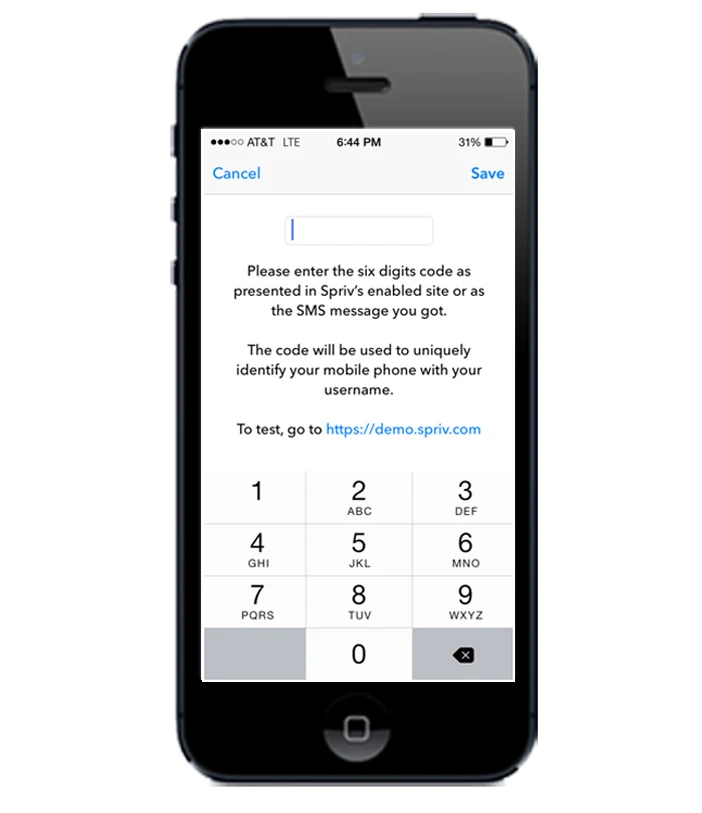
If your team built the sign-in page, the API is how you add MFA to it without rebuilding it. Windows, RDP and Linux servers are covered by Spriv's ready-made clients; the API is for everything you wrote yourself.
Protect customer accounts from stolen and reused passwords, without making every login slower. Adaptive authentication is recommended for customer-facing sites.
Add a second factor to admin panels and back-office systems, and require an explicit Allow/Deny tap for administrator accounts.
Confirm high-risk transactions on a second channel, after login as well as at it. Transaction verification.
Every call goes to https://app.spriv.com with a JSON body that carries your API key and secret.
/manage_users adds, updates and deletes users, so Spriv stays in step with the accounts in your own system. Call it wherever you already create, edit and remove accounts.
/manage_users/pair/<user id> emails the user a single-use pairing link. When the user opens it on the phone and taps Pair, Spriv notifies your callback URL, and from then on the user can be authenticated.
/authentication/adaptive_authentication takes the username plus browser agent data such as the operating system, browser, IP address and a computer fingerprint you derive from cookies or similar signals. Spriv compares it with the paired phone and challenges the user only when something is unusual.
/authentication/allow_deny_authentication always sends a push that needs a human tap, and can never be automated. Pass an optional TOTP code with it for a third factor.
/authentication/sms_authentication texts the user and the reply is posted to your endpoint. /authentication/totp checks a six-digit code typed into your login page, which works even when the phone has no signal.
/manage_users/verify_phone_pin and /manage_users/resend_phone_pin confirm a number with a seven-digit SMS PIN before the phone is trusted.
Send the sign-in details after the password is accepted. With "poll": true you get back a polling URL to check until the user is approved; leave it out and Spriv calls your callback URL with the decision.
The API reference has sample code in five languages, and onboarding offers a Ruby on Rails gem option. Your API key and secret come from the Service Account in the Spriv control panel. Keep the secret on your server, never in a web page.
POST https://app.spriv.com/authentication/adaptive_authentication
{
  "spriv_secret": "your spriv secret",
  "spriv_key": "your spriv key",
  "username": "username of user",
  "os": "Windows 11",
  "browser": "Chrome",
  "computer_fingerprint": "user computer fingerprint",
  "ip_address": "1.1.1.1",
  "poll": true
}
Call POST /manage_users when an account is created and store the returned user_id.
Call the pairing endpoint. The user opens the emailed link on the phone, and your callback URL hears when pairing succeeds. How pairing works.
After the password is accepted, call the adaptive endpoint, or Allow/Deny, two-way SMS or TOTP for the method you chose for that user.
Poll the returned URL or receive the callback. Status 200 means authenticated; anything else is a refusal, not a maybe.
Yes. The API is included on both plans. The Startup plan is free for 2 users and 2 servers with no credit card; the Business plan is $5.5/month/user with unlimited users. Two-way SMS is billed per message. See pricing.
Either. A callback URL lets Spriv contact your server the moment the user answers. Polling suits systems that can't accept inbound requests. If you rely on callbacks without configuring one, the API returns status 416.
Yes. Call the endpoint that matches each group: adaptive for customers, Allow/Deny for administrators, two-way SMS for people who won't install an app, and TOTP when there is no signal.
Registering a user needs a name, email and mobile number so Spriv can pair the phone. The adaptive check itself only confirms that the phone and computer locations align; Spriv never shares the phone's actual location with you.
An administrator can swap the phone in the management portal in under a minute, or issue a bypass code. Calling the pairing endpoint again sends a fresh pairing email.
Two free users and two free servers, no credit card. Get your API key and secret from the Service Account and make your first call.