
0 ms
Typical time to confirm the location match
Location-based authentication checks where a login is coming from before it lets anyone in. Most products guess that location from an IP address. Spriv measures it from the place that matters, the phone in the user's pocket, and confirms that the phone and the computer are together, in about 175 milliseconds and without ever sharing where the user is.
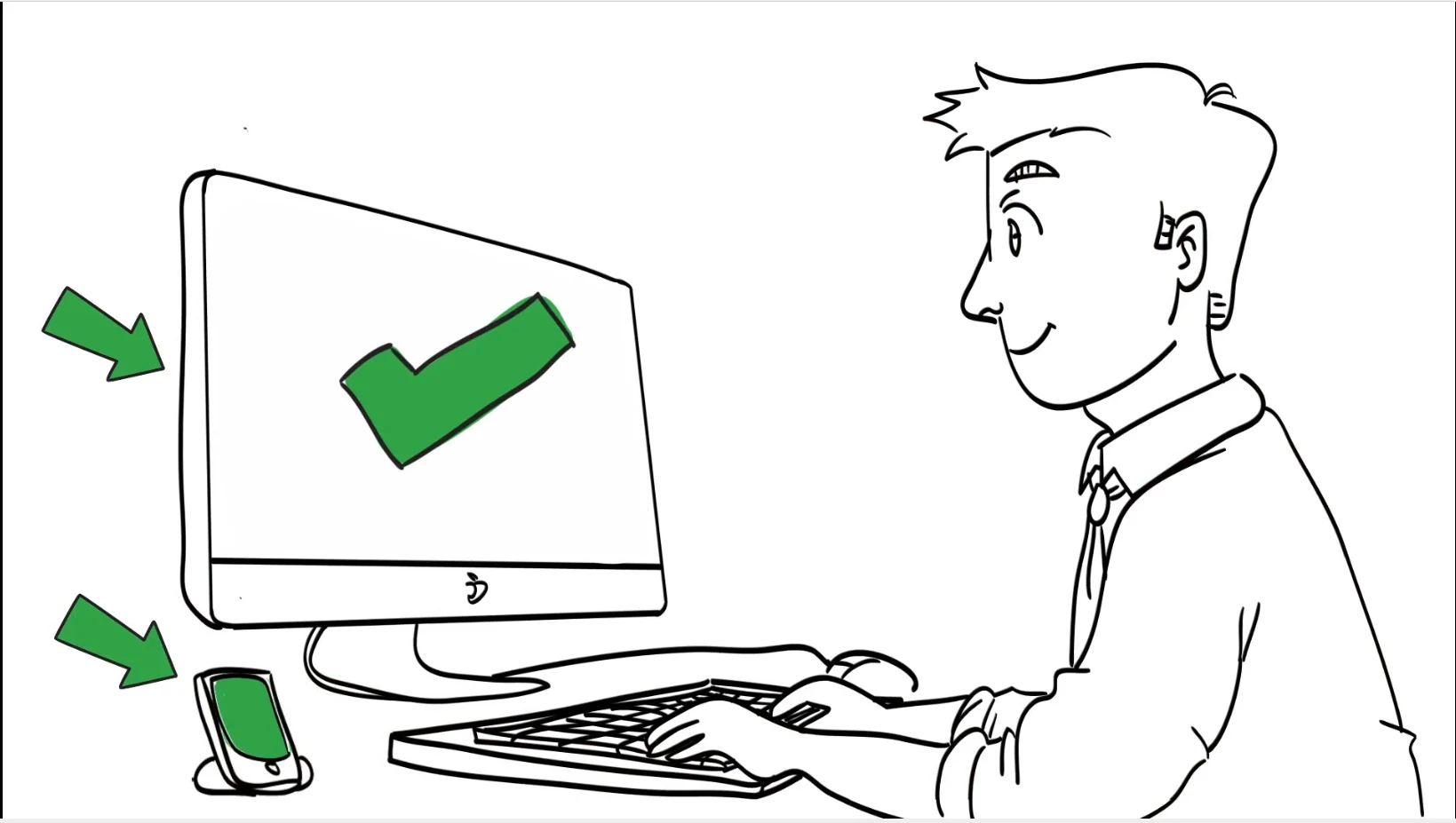
Location-based authentication, also called geolocation authentication, adds "somewhere you are" to a login decision. The question is not only whether the password is right, but whether the request comes from a place that makes sense for that user. How the location is measured decides how much the answer is worth.
The server looks up the connecting IP address in a geolocation database and gets an approximate city or country. It needs nothing from the user, which is why it is so common, but it describes the network, not the person.
A phone can work out its own position from satellites, Wi-Fi and cell towers. That is far more precise than an IP lookup, but on its own it says where the phone is, not whether the phone is anywhere near the login.
Phone location authentication ties the two together: the phone the user carries reports its environment, and the login is trusted only when that environment matches the computer asking for access. This is the approach Spriv patented.
An IP address is easy to borrow. Rules built only on IP location block honest users and still let a careful attacker through.
An attacker can route traffic through a VPN, a residential proxy or a compromised machine in the victim's own city. The IP then looks local, and a geolocation rule waves the login through.
Mobile carriers and corporate gateways often send traffic out through a shared address hundreds of miles from the user. Honest employees appear to be somewhere they are not, and get challenged or blocked.
IP ranges are reassigned and sold, and databases lag behind. A lookup may be right about the country and wrong about the city, which is not precise enough to prove a person is at a particular desk.
Spriv pairs a known workstation with the environmental identifier, a location fingerprint, that the user's phone reports. The check runs out-of-band, on a second channel separate from the login.
The administrator adds the user and Spriv sends a pairing link. The user installs the Spriv app and opens the link on the phone. How pairing works.
On the first login from a workstation, the user approves on the phone. Spriv records that computer together with the environment the phone reports.
Later logins from the same workstation-and-phone pair clear silently. A new computer, a new location or a phone that is not where the login claims triggers a challenge.
Location-based authentication only works if users trust it. Spriv answers one question, "are the phone and the computer in the same place?", and nothing more.
Your application gets a yes or a no. It never receives the phone's actual location, and no personally identifiable information is transferred. Spriv's patent portfolio also includes "Methods for acquiring an internet user's consent".
Spriv confirms that phone and computer locations align. The coordinates stay out of your logs.
The comparison works on fingerprints, not on names, addresses or other personal data.
The location check travels out-of-band, apart from the login it protects.
Spriv's roots are in location-based services: using the mobile phone's location to stop stolen passwords and stolen cards from being used somewhere else.
Second Runner-Up for North America, announced at Where 2.0 in San Jose, for automatic internet authentication tied to the phone's location.
A finalist in the Emerging Technology Awards, which recognize payment, fraud and security tools for e-commerce.
More than 18 issued patents, including "Authenticating the location of an internet user" and US 9,727,867 on distance and speed between the phone and a second location. See the patents.
Your application sends browser agent data such as cookies to Spriv's REST API, which compares it with the phone's fingerprint. API reference.
The same location match runs on the Windows login screen, Remote Desktop sessions and Linux SSH through PAM. 2FA for RDP and SSH 2FA.
A payment or transfer can be checked against the phone's location too, and two transactions too far apart in too little time are flagged. Impossible travel detection.
No. Spriv only confirms that the phone and the computer are in the same place. Your application never receives the phone's actual location, and no personally identifiable information is transferred.
A VPN changes the computer's IP address, but it does not move the user's phone. Because Spriv compares the workstation with the environment the paired phone reports, an attacker elsewhere fails the match and is challenged.
A new location or a new computer is a mismatch, so the user gets a challenge such as an Allow / Deny prompt. Once approved, the new pair can clear silently. TOTP codes also work with no internet or carrier signal.
No, it is one of the factors. Spriv checks the password, the phone and the workstation-and-location pair together. Multi factor authentication explained.
The second factor can clear in as little as 175 milliseconds, compared with about 8 seconds for a push approval and about 14 seconds to type a TOTP code.
Two free users and two free servers, no credit card. Install in under five minutes and let the phone's location do the work.