
Remote Desktop Protocol is built into every copy of Windows, trusted by every firewall rule written for it, and used by administrators every day. That is exactly why attackers love it. When Sophos reviewed the incident response cases its team handled in 2023, it found RDP abused in 90% of attacks, the highest rate since its Active Adversary reports began. External remote services such as RDP were also the most common way attackers first got in, in 65% of cases.
The 2026 numbers show the same pressure on identity. Sophos' Active Adversary Report 2026 found that brute force alone was the initial access method in 15.6% of its cases, nearly level with vulnerability exploitation, and that 59% of incidents involved no MFA. Ransomware crews such as Akira rely on the same pattern: get valid credentials, connect, and move from server to server with RDP.
How RDP gets abused
Way in: an exposed or weakly guarded RDP port
RDP left reachable from the internet is scanned within minutes and then brute forced or password-sprayed for as long as it stays up. Sophos documented one victim compromised four times in six months, each time through exposed RDP.
Way in: a VPN account with no second factor
CISA's advisory on Akira ransomware, updated in November 2025, describes affiliates getting in through compromised VPN credentials, brute force against VPN endpoints and password spraying, as well as through vulnerable VPN appliances. Once on the network, RDP is the natural next step.
Moving around: RDP between internal servers
This is the part most MFA deployments miss. Even organisations with MFA on the VPN often leave RDP between internal servers on password-only, because each hop "is already inside". Attackers who have dumped credentials from one machine use RDP to reach the next one, and nothing stops them.
Gateway MFA is not the same as login MFA
A common setup puts MFA on an RD Gateway or on the VPN in front of the servers. That protects one route in. It does nothing for a session that reaches the server another way: a direct RDP connection from a compromised machine on the internal network, a misconfigured firewall rule, or a second gateway nobody remembered.
The only place that sees every interactive login is the Windows login itself. Spriv puts the second factor there, through a patented Credential Provider on the Windows login screen, so every RDP and console session is covered wherever it comes from.
An RDP hardening checklist
- Take RDP off the internet. No server should expose TCP 3389 publicly. Put remote access behind a VPN or gateway that itself requires MFA.
- Require MFA on the Windows login for every server and workstation that accepts RDP, internal hops included.
- Turn on Network Level Authentication so sessions authenticate before the full desktop is created.
- Enforce account lockout to blunt brute force and password spraying, and alert on repeated failures.
- Limit who can use RDP. Restrict the Remote Desktop Users group to the people who need it, and remove local administrator rights where you can.
- Patch the edge. VPN appliances and gateways are where exploitation starts; the 2026 DBIR puts exploitation of vulnerabilities at 31% of initial access.
- Watch off-hours logins. Sophos found 88% of ransomware payloads deployed outside business hours. A 3am RDP session from an unfamiliar machine should raise an alert.
Making MFA on RDP bearable for administrators
The objection to MFA on internal RDP is always the same: administrators connect to dozens of servers a day, and a phone tap on every one quickly becomes intolerable. That is how exceptions start.
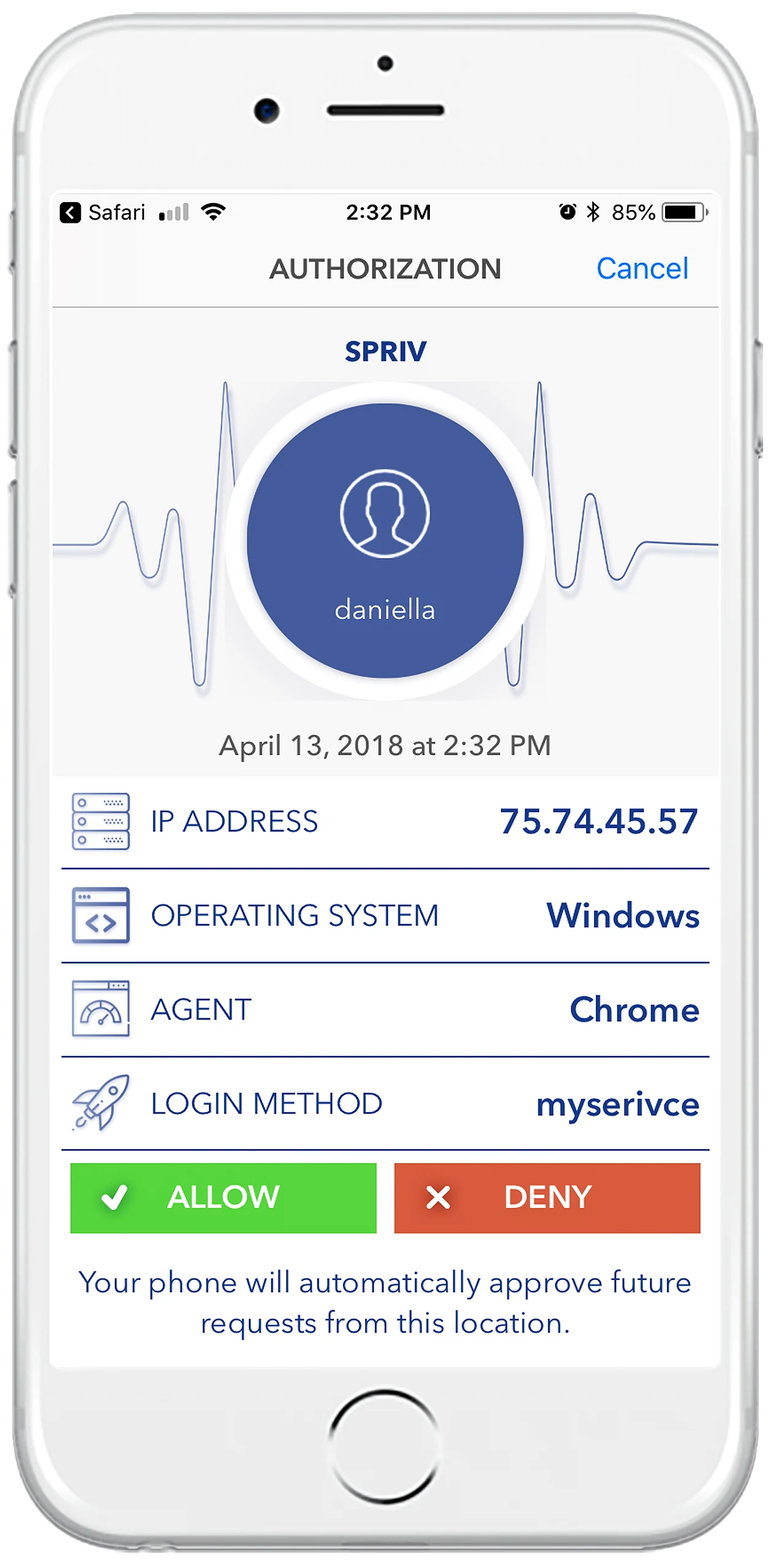
Spriv's adaptive MFA for RDP removes the objection. The user approves a login from a workstation once; Spriv then records that computer together with the environmental identifier reported by the user's phone. Later logins from that same pair are verified out-of-band in the background, often in about 175 milliseconds, with no interaction. When the computer, the location or the phone does not match, the user is challenged with Allow / Deny, two-way SMS or a TOTP code. And if the internet connection is down, the offline login options keep administrators from being locked out.
Installation takes a few minutes per server. The RDP installation guide walks through it, and the free Startup plan covers two users and two servers, enough to protect your most exposed hosts today.